Doing business in the computer age - use of computers by gun retailers - Archery Aisle - Column

Shooting Industry, Feb, 1998 by Carolee Boyles-Sprenkel

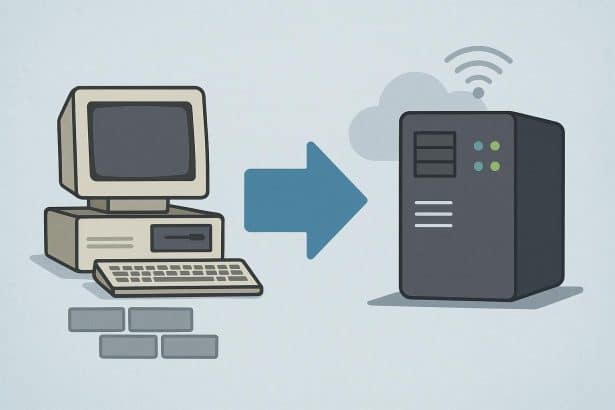
As our economy has become increasingly dependent on computers, more and more retailers have joined the electronic age. But some are still hanging back, continuing to do things the "old-fashioned way." While there may be a certain satisfaction in tracking inventory and balancing accounts by hand, pencil and paper techniques definitely belong in the dust bin. With the rest of the world "going electronic," sticking with outdated methods will outdate you as well.

One company that plugs retailers into the electronic age is ARS Solutions Ltd., headed by Jeff Helland. The company develops point-of-sale and inventory management software, and services about 700 retailers nationwide.

Three years ago ARS took a survey which indicated that about 60 percent of retailers had some kind of a computer in their business. This number is higher today, but just because a retailer owns a computer, that doesn't mean he uses it.

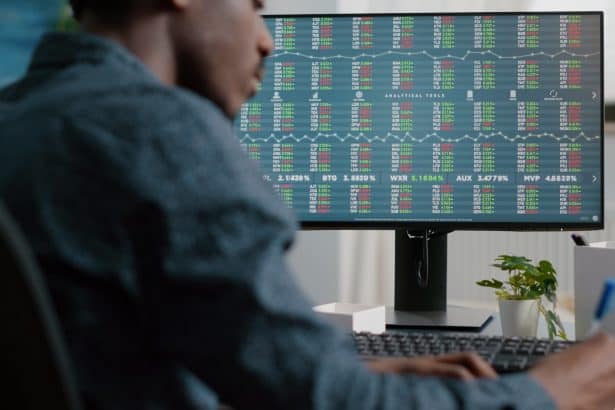
"Where the numbers really got small was in what they used computers for," Helland said. "One person might be doing inventory management, another may be doing a little bookkeeping, someone else may be using it for target ranges, and membership and range fees. But a fair percentage of them are just collecting dust."

So? What difference does it make if you're part of the 30-something percent of retailers who don't own computers, or who use them for paperweights?

"What it comes down to is that computers are involved in so many different things in business today," Helland said. "There are a lot of places a computer can either save you money or create new revenues. But if you never go through the learning process, you never know how to use those functions. It's not just what you miss, it's that you don't know what you're missing."

"However, you should not go out and buy a computer just for the sake of buying a computer. You should have some idea of what you're going to do with it. If you don't, it will be one that collects dust. Have a specific purpose in mind before you buy."

In more concrete terms, a computer can help you control your inventory; get information off the Internet, which is more important daily; visit manufacturers' Internet web sites, where you can find detailed product information and place orders on line; track your customers' buying habits; and keep your books. These are just a few of the functions a computer can perform, but you can't learn to do them overnight. If you don't take the time to learn how to use a computer, you will never know just how much one can do for you.

The first step is to buy a computer. This does not have to be a long and painful process, nor do you need the top of the line model with all the bells and whistles.

"Any machine that you would buy today off the shelf, any standard PC, would be more that what you need to get started," Helland said. "You've got to remember that the shelf life of this equipment is very short. They're turning this product every 18 months and coming up with a new product line. We always hear the question, 'If I buy it today, is it going to be outdated tomorrow?' The answer is 'Yes,' so don't go out and buy the most expensive machine you can find."

Instead, Helland suggests, look for a standard, middle-of-the-road machine, but be sure it's one with multimedia capability. This means a machine with a sound card, a CD-ROM and a modem. With a printer, this kind of setup will run you somewhere between $1,500 and $2,000.

Where you purchase your computer is not as important as the kind of service you get after the sale A number of mail-order companies sell computers, and I've dealt with several of them happily and successfully. Unless you are in the smallest of towns, you'll be able to find a number of computer outlets nearby.

It's important, however, to select a sales staff who will take the time to work with you, who will explain terms, help you get up and running, and provide technical support after the sale. Ask about toll-free technical support numbers and in-store repair services. You should be able to expect at least 30-day in-store help with set-up problems, 90 days to a year of in-store help with hardware, a one-year warranty period on parts and labor, and long-term technical support on an 800 number. If you don't find support close to this, you may want to look elsewhere for your computer equipment.

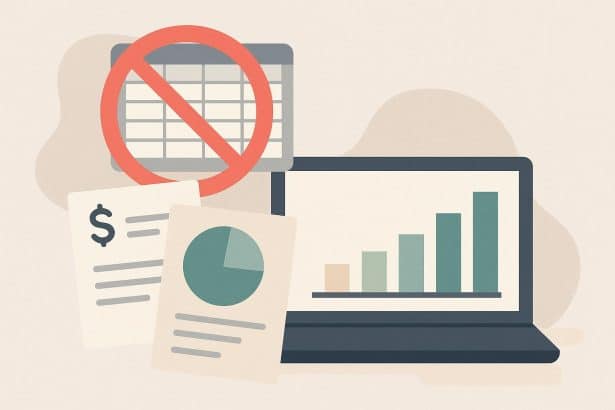
Once you have your computer up and running, the next step, Helland said, is to purchase a bookkeeping or accounting system.

"Everything you do by hand with your checkbook, it's just as easy to do it on the computer," he said. "The only difference is you have a little learning curve, but that will give you some education on how to use the computer, such as basic terminology and keyboarding. From that perspective, the machine will not sit and collect dust, because it will provide you with a valuable tool.

"One of the things you can't do with a manual checkbook is look up old checks easily. You can't put in the dates that your bills are due and get a report. Those are things you can do on a computer inexpensively. The typical software package for Quick Books or Quicken is something like $50 to $90."


BNET TalkbackShare your ideas and expertise on this topic

Please add your comment:

  1. You are currently: a Guest |
  2.  

Basic HTML tags that work in comments are: bold (<b></b>), italic (<i></i>), underline (<u></u>), and hyperlink (<a href></a)

advertisement
Click Here
advertisement
  • Click Here
  • Click Here
  • Click Here
advertisement

Content provided in partnership with Thompson Gale